
Know what you have.
A complete, current register of every asset, built from the floor up rather than copied from old lists.
SOLUTIONS | ENTERPRISE ASSET MANAGEMENT
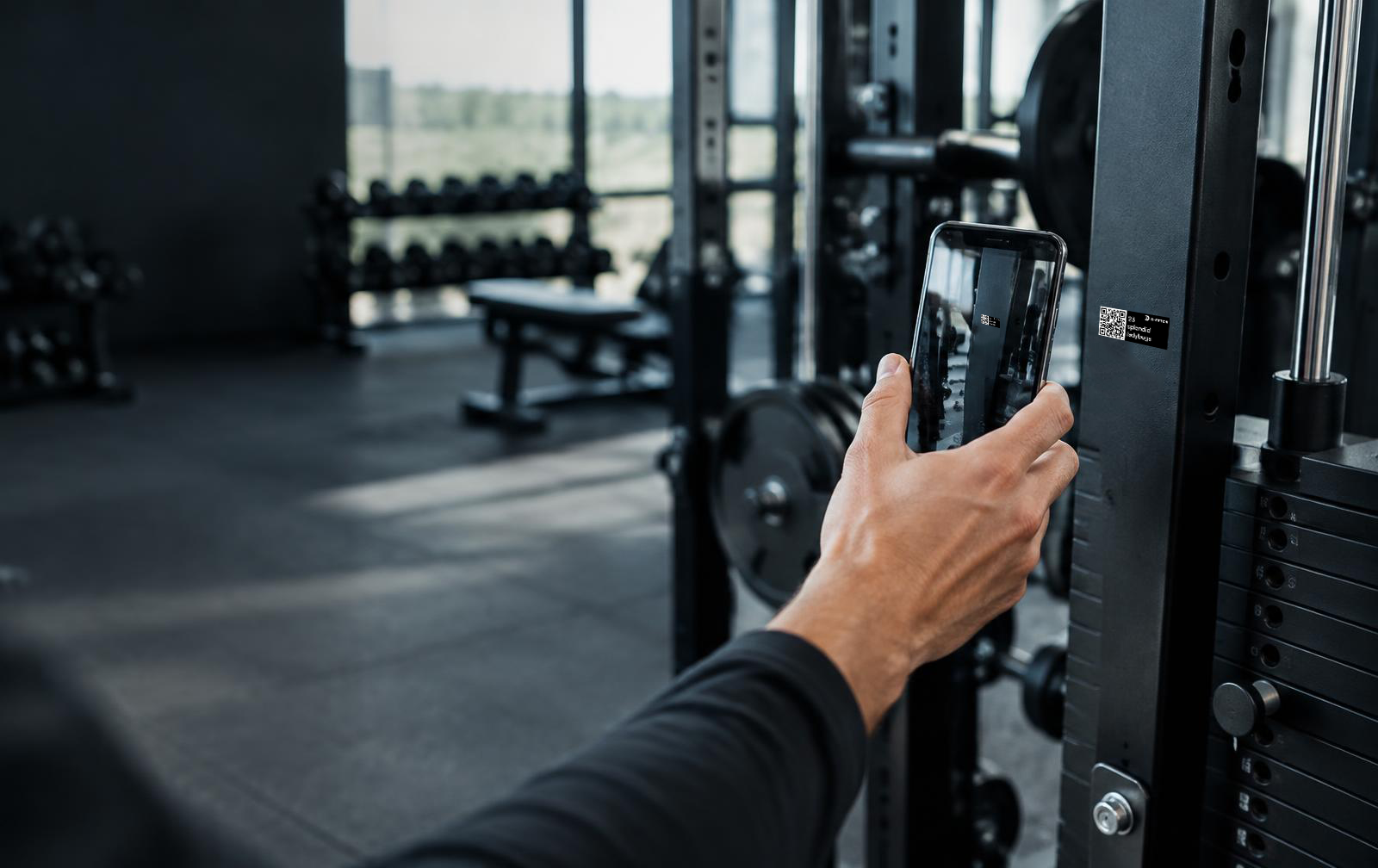
D-Fetch provides a digital operational layer around your physical assets — across every site, in one connected platform. Simply take a photo and let AI identify the asset, attach a QR code, and create a complete digital profile. Register its location, status, documentation, maintenance, costs, and entire service history — all in one place. From the moment an asset is registered to its entire lifecycle, D-Fetch gives you the data and visibility to manage your assets more efficiently.
120,000+
assets registered
10-20
seconds per asset
One
WORKFLOW FROM REGISTRATION TO RESOLUTION AND TOTAL COST OF OWNERSHOP
The challenge
Most asset registers live in spreadsheets that were accurate on the day they were made. Equipment moves, gets serviced, breaks and gets replaced, and the list falls further behind every week. Information ends up split between spreadsheets, email threads, service partners and the memory of whoever has been there longest.
D-Fetch starts from the physical asset instead of the list. Every asset carries a QR code linked to a living digital profile that updates as the work happens.
The full picture
A complete, current register of every asset, built from the floor up rather than copied from old lists.
Location across buildings and sites, with every move recorded in the asset profile.
Registration, services, preventive maintenance and tickets, all in one timeline.
Purchase price, warranty and maintenance on one profile, giving you the basis for total cost of ownership.
How it works
Every resolved issue becomes part of the asset's record, so the next decision is based on its full history.
FEATURES
01 / Registration
Take a photo of the asset where it stands. AI identifies its type, brand and model from a database of more than 120,000 registered assets. Attach the QR code, place the asset on the floor plan and the asset is live on the platform. If the AI doesn't recognise an asset, pick its type, brand and model from the database yourself. Registration stays fast either way.
02 / Import & custom fields
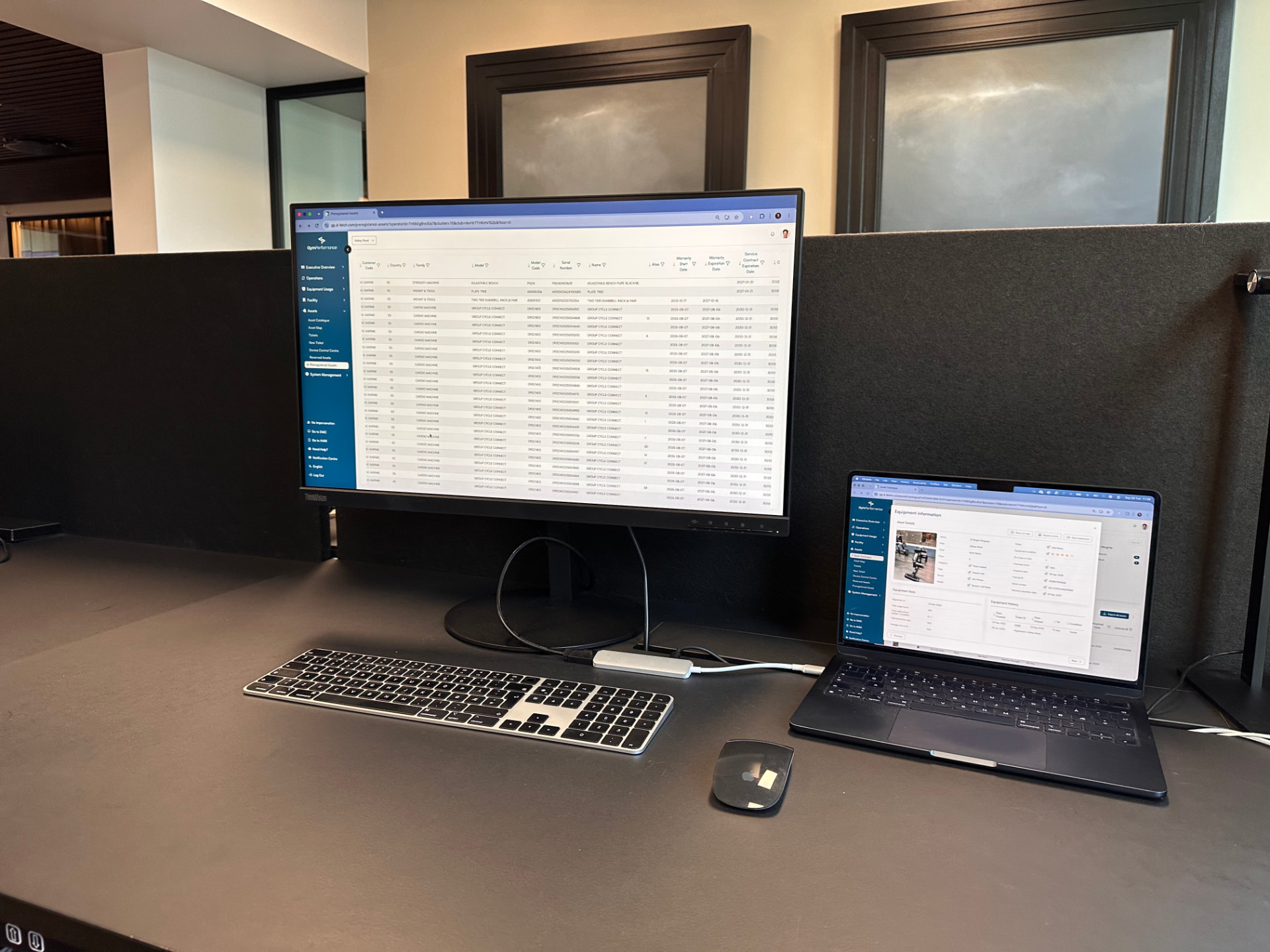
Upload your existing asset data and map your columns directly to D-Fetch. Create custom fields that match the way your organisation works — from serial numbers, internal IDs and warranty dates to prices, links, photos and condition notes. Unlike systems built around rigid, predefined fields, D-Fetch lets you define the information that matters to your business. Keep asset details consistent across every location while capturing the specific details you need to manage your assets effectively.
03 / Asset map
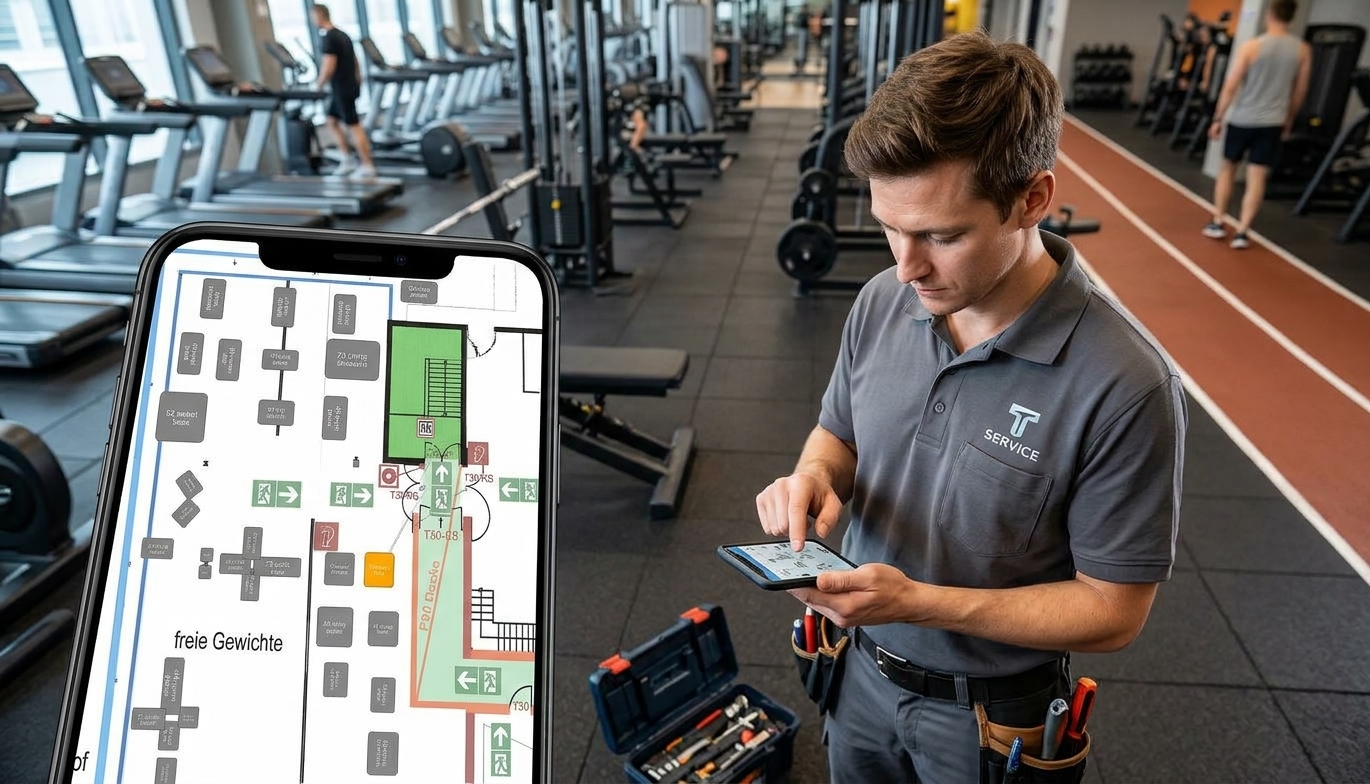
Place every asset directly on your floor plan and give technicians a clear view of where equipment is located before they arrive on site. From the asset overview, a single click takes you straight to its position on the map. The floor plan also gives you a visual overview of how assets are arranged across the space. See where equipment is concentrated, identify inefficient layouts, and quickly spot opportunities to optimise your floor space.
04 / Asset history
Each asset has its own digital profile showing everything that has happened to it since registration: when it was created, where it has been, what work has been done and every issue reported.
05 / Maintenance
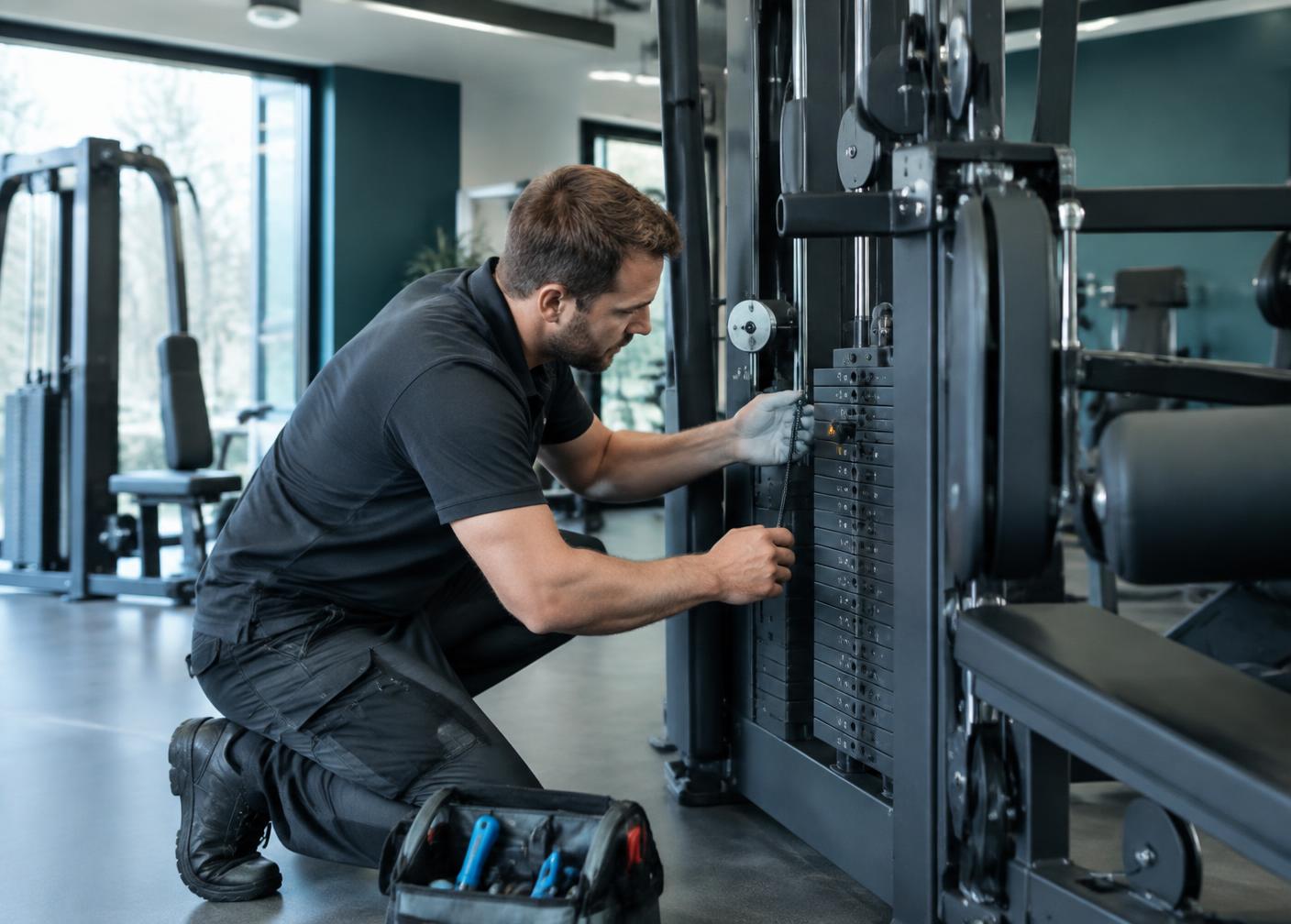
Log services and preventive maintenance directly on the asset. Technicians and service partners work from the same record, so nothing depends on paper reports or someone's memory.

06 / QR access & reporting
QR codes connect each physical asset to its digital profile, giving employees, technicians and service partners access to its information and actions. Scan to see the asset's details, or report an issue with a description and photos. The ticket is linked to the correct asset and location.

07 / Multi-site overview
From a single asset to thousands across hundreds of locations, D-Fetch gives you one structure for your whole portfolio. See what's installed where, compare sites and keep a consistent standard across the organisation.
08 / Cost & ownership
Purchase price, warranty and maintenance history sit on each asset's profile. Ask the AI agent to work out an asset's total cost of ownership, then decide when to repair, replace or invest.
Where it works
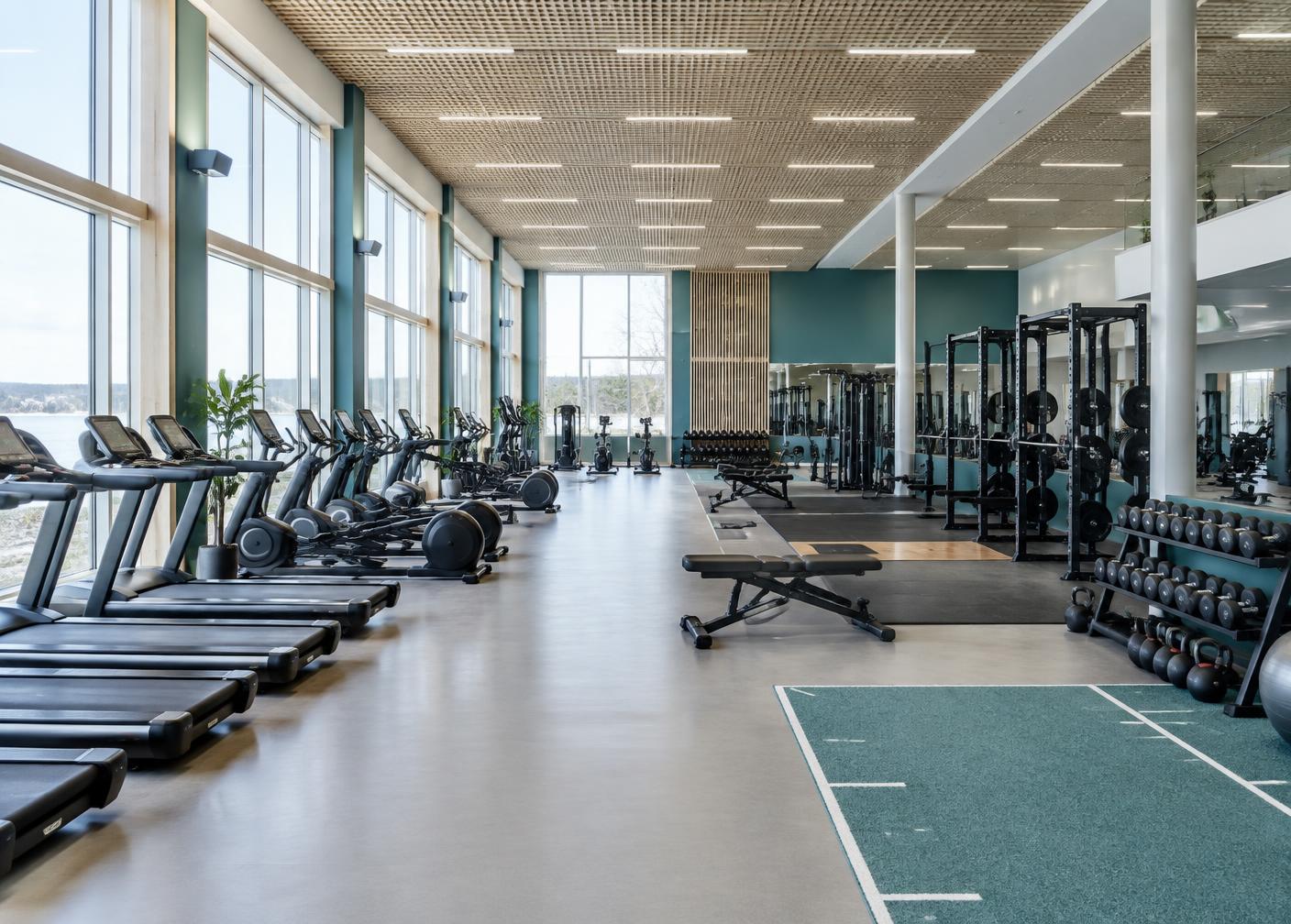
Track equipment across every club, from cardio and strength equipment to facilities. This is where AI recognition is strongest today.
Keep furniture, IT equipment and facilities registered and maintained across buildings and floors.
Keep medical equipment, mobility aids and IT assets registered across departments, so staff always know where devices are and when they need service.
Register assets and tools with their documentation and maintenance history, and connect issues on the floor to the right asset.
People & teams
A complete overview of assets, status and history across every site.
Scan to see the asset's details and history before the work starts.
Cost, warranty and lifecycle data to support replacement and investment decisions.
Report an issue in one scan, with no training needed.
Frequently asked questions
No. Registration starts with a photo and a QR code. If you already have an Excel list, you can upload it and match the columns to the right fields.
You select the type, brand and model from the database manually. The asset can still be registered.
The model is trained on the assets in our database, where fitness equipment is best covered today. For new industries, recognition requires training on new images of your asset types. Until then, manual selection works from day one.
Custom fields support text, numbers, dates, prices, links, media and documents, so you can track the information your operation needs.
Technicians and service partners can work from the asset record to see its information and report issues. Ask us about the access setup for your team.
Purchase price, warranty and maintenance information can be stored on each asset's profile. You can ask the AI agent to calculate total cost of ownership from the data recorded for that asset.
Explore more
Turn issues into action with a connected workflow from report to resolution.
See how equipment is actually used, in real time.
Standardise daily tasks and checks across every site.
Turn asset and usage data into concrete recommendations.
One connected system for your physical assets, from registration to resolution.