
Built for the field.
Made for technicians, installers and site managers working on the floor, with a mobile workflow that starts from scanning a QR label.
PRODUCTS | INSTALLATION APP
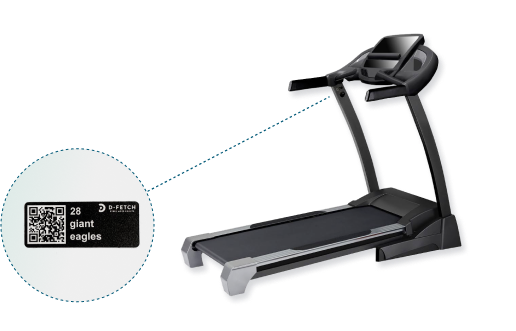
The Installation App is the field tool behind the D-Fetch platform. Technicians and site managers use it to register new assets, move equipment between floors and sites, replace sensors and labels, and keep gateways and extenders running — all from a QR scan.
The challenge
Sites get refurbished, equipment is moved to storage or another location, labels wear off and sensors get knocked loose. If those changes are not recorded where they happen, names drift, maps go stale and usage data stops being reliable.
The Installation App records every change on the spot — from the first install to every move, replacement and refurbishment — so the asset register always reflects what is actually on the floor.
Why it works
Made for technicians, installers and site managers working on the floor, with a mobile workflow that starts from scanning a QR label.
The same app registers new assets, moves them, replaces sensors and labels, and keeps the network of gateways and extenders healthy.
Every task is a short guided flow, and the app suggests the next step — such as detaching a sensor before an asset is moved or disposed.
Every change lands straight in the D-Fetch platform, so the asset register, asset maps and usage data stay correct across every site.
What you can do
Scan the QR label, take a photo and select category, type, brand and model — or let AI recognise it.
Move equipment to storage, another floor, another site, a warehouse or an unknown location, or mark it as disposed.
Position each asset on the right floor so the map always shows where equipment really is.
Swap a missing or unreadable QR label, or update the asset picture, without losing its history.
Pick the asset from the list or scan its QR label, then pair a new sensor or reattach a detached one.
Add, replace, reattach or remove extenders and gateways as the site layout changes.
Set a site to Maintenance before a refurbishment and back to Live when everything is verified.
See assets in transit to the site, or picked up by the network, and confirm them in place.
AI Asset Recognition
Register equipment in seconds. No searching. No guesswork — just point, recognise and move on.
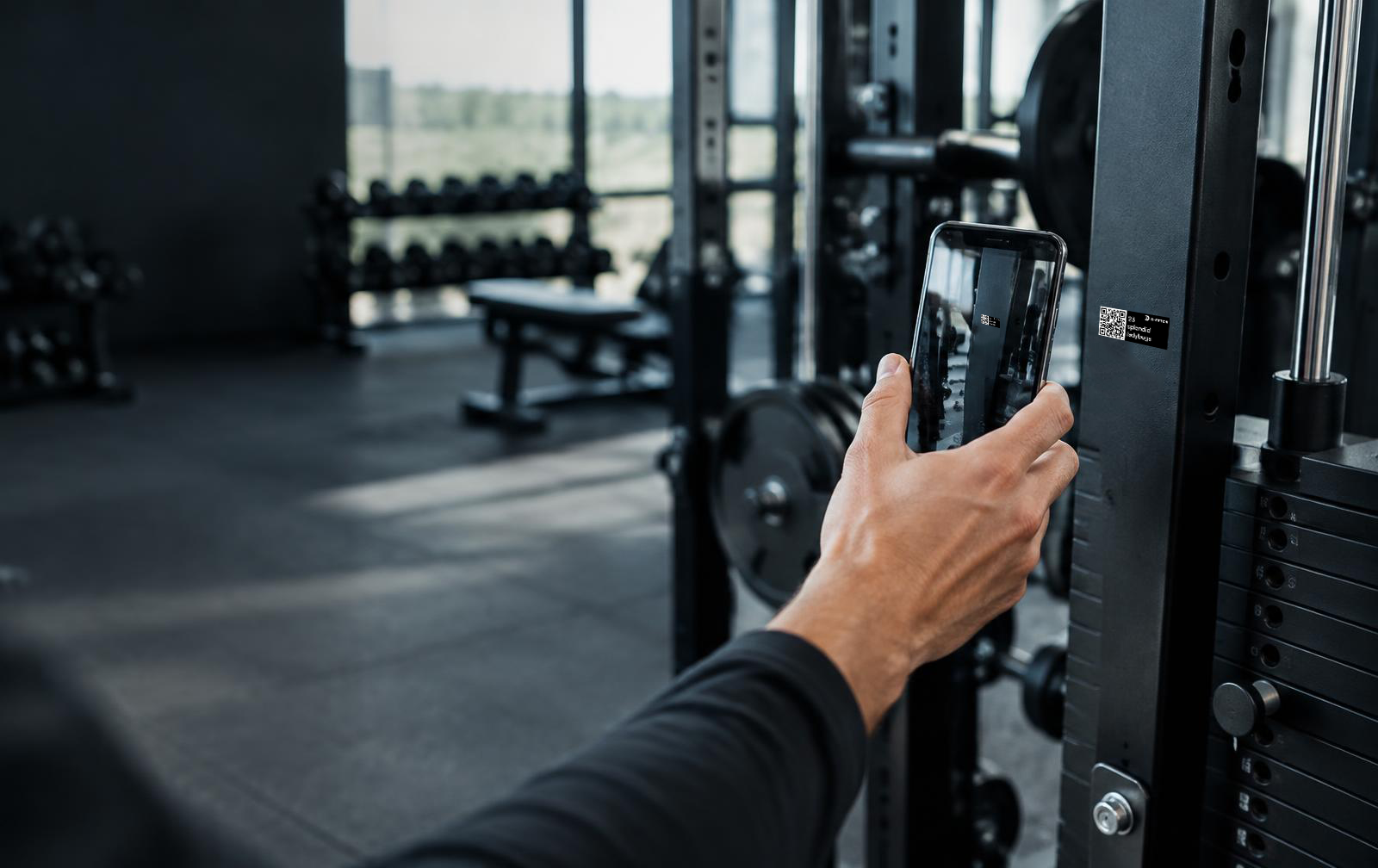
Start by taking a picture of the asset.
Our AI compares the image to thousands of assets in our database.
AI identifies the type, brand and model automatically.
Attach the label to the asset and move on to the next one.
Register assets up to 5x faster.
Perfect for non-specialist staff.
Accurate and standardised asset information.
Ideal for multi-site operators.
How it works
A typical refurbishment: the site is paused while work happens, every change is recorded in the app, and the site goes back to Live once everything is verified.
Features
01 / Proactive maintenance
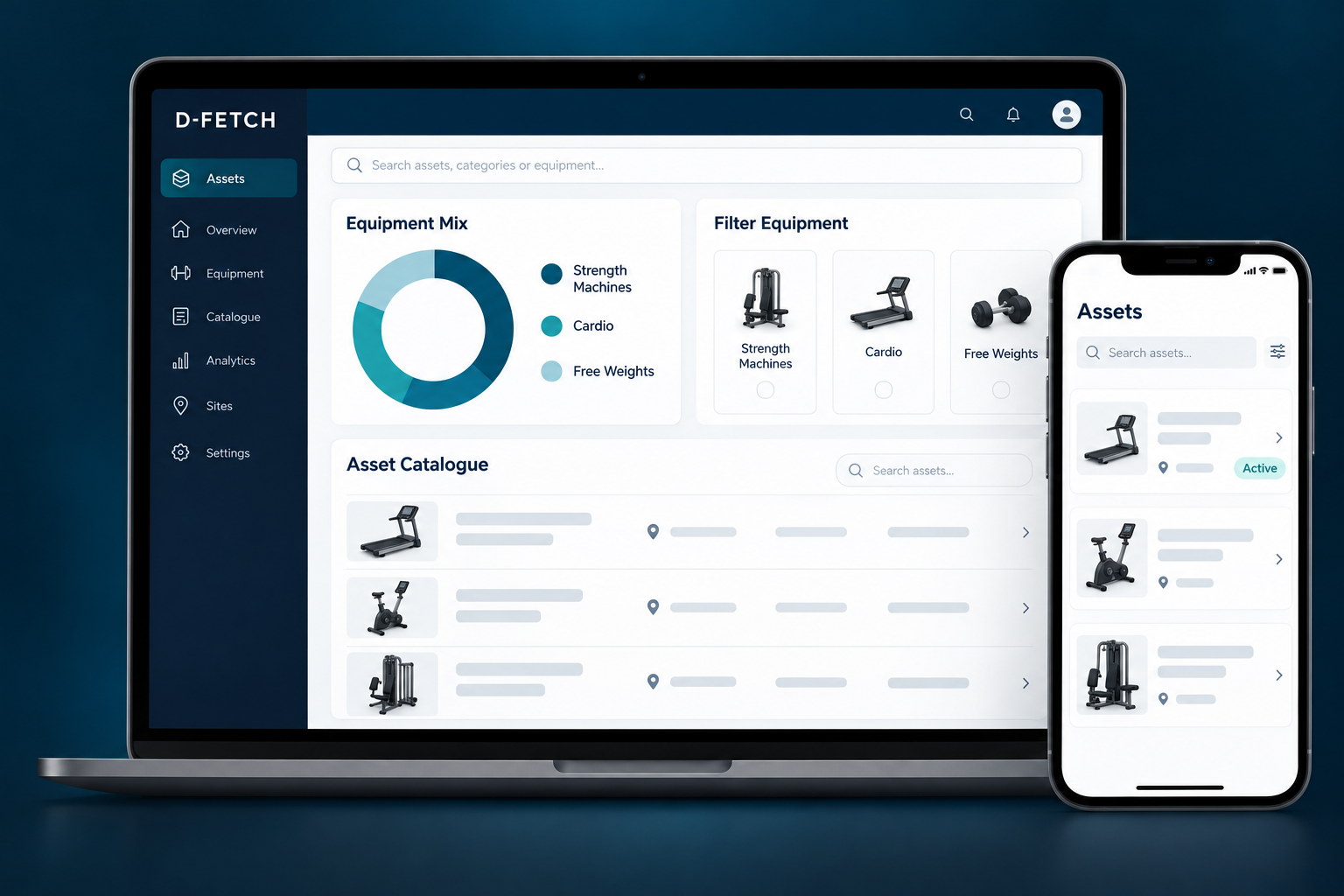
When equipment is moved in, moved out, sent to a warehouse or disposed, the Installation App guides each step. Assets set to Transit at one site appear as incoming at the next, so nothing goes missing between locations.
02 / Reactive maintenance
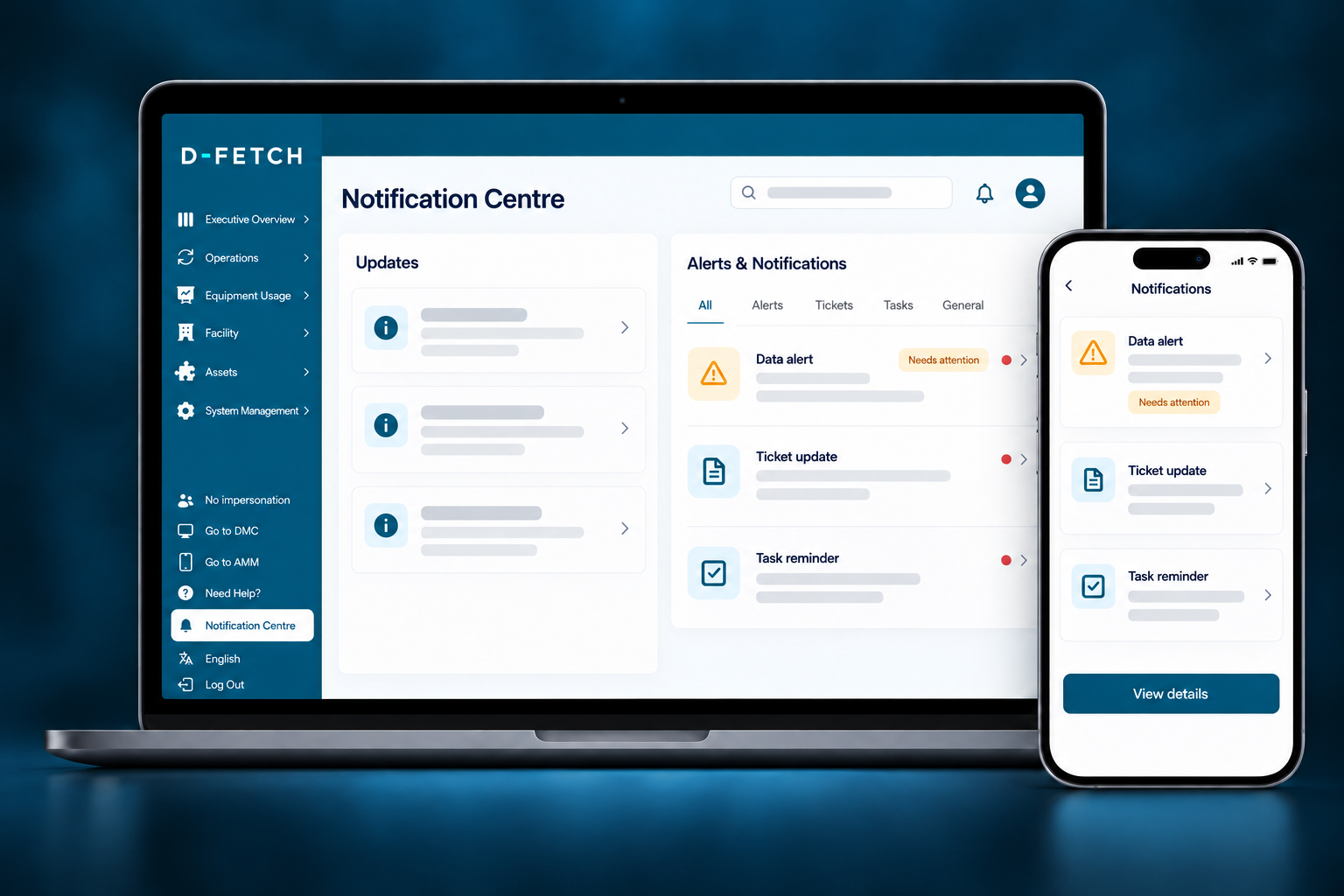
The platform flags sensors that are offline, low on battery, low on signal or reporting no motion. Technicians open the asset in the Installation App, scan its QR label and replace or reattach the sensor or extender on the spot.
03 / Connected platform
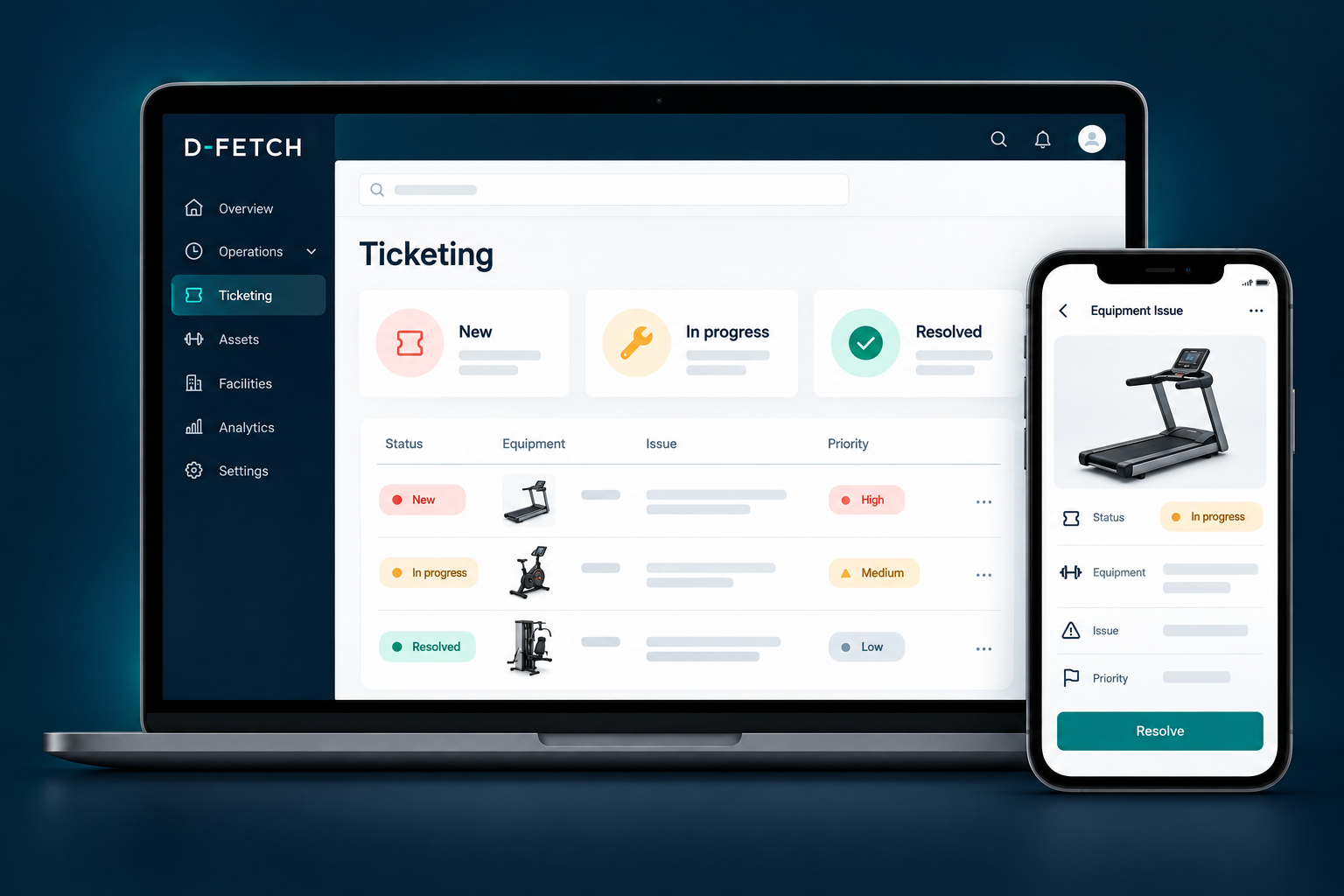
Everything done in the app lands in the D-Fetch platform, so Asset Management, ticketing and equipment usage analytics build on the same up-to-date inventory.
Explore more
Register physical assets with a photo and a QR code, and track their full lifecycle.
See how equipment is actually used, in real time.
Turn asset and usage data into concrete recommendations.
Sensors, wearables and gateways that the Installation App deploys.
Register, move and maintain assets where the work happens — so your data stays right.